
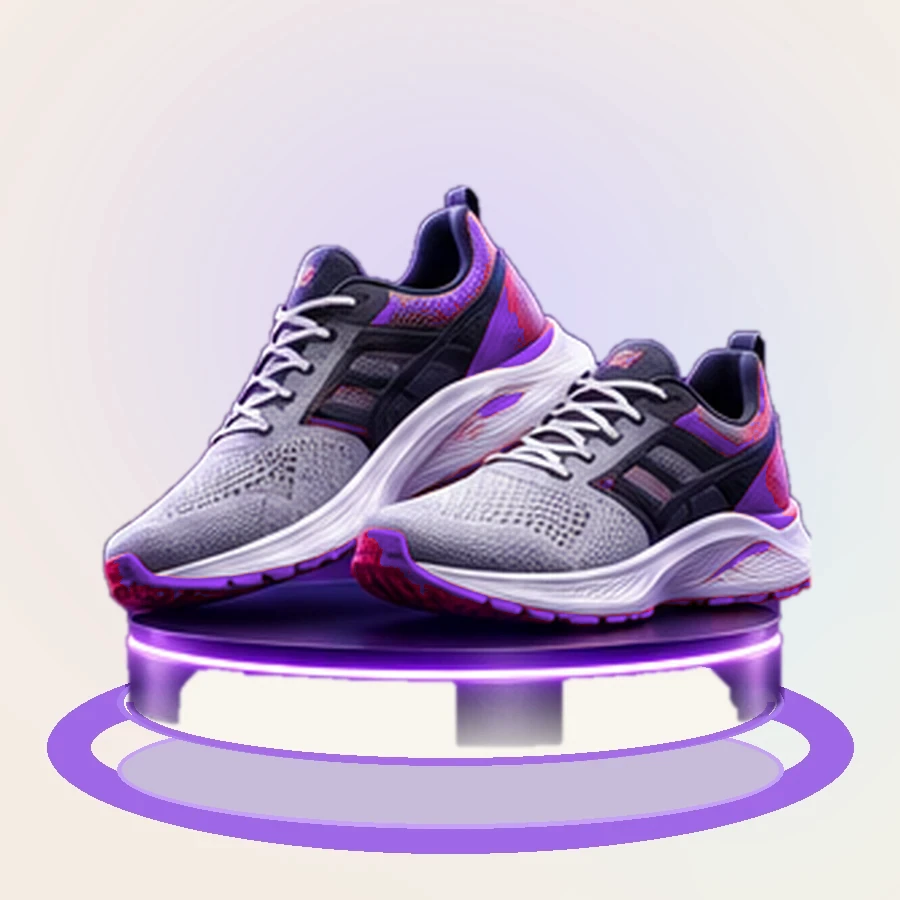
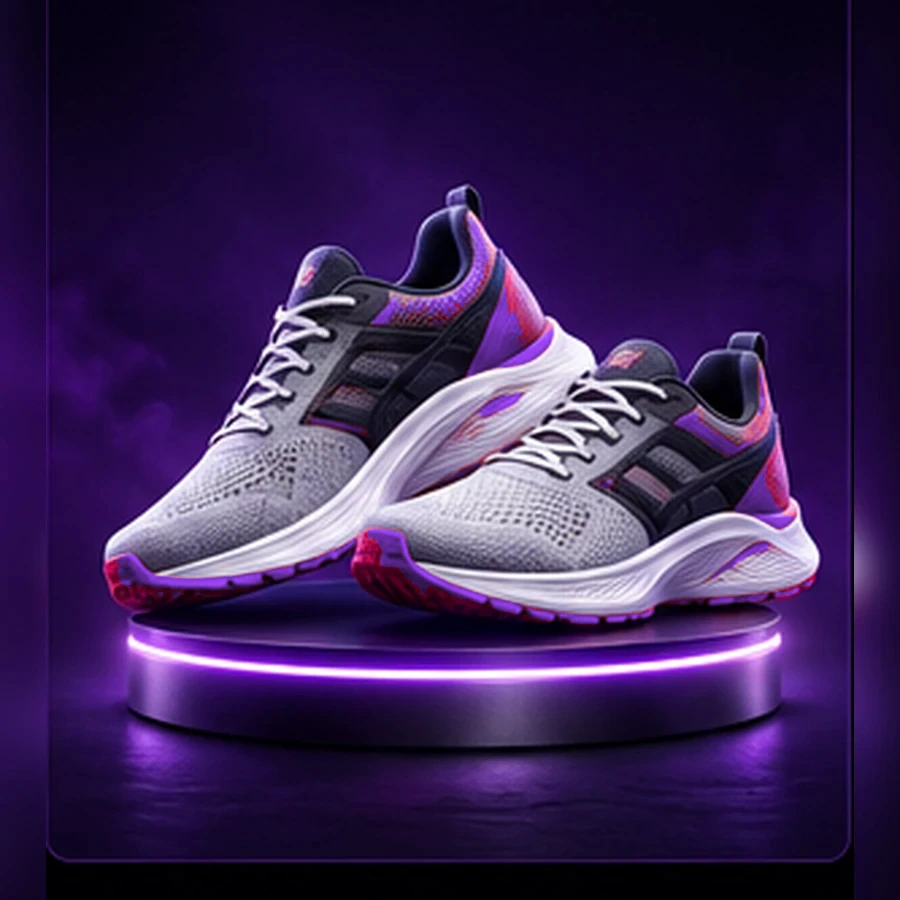
One row, one image.
Every prompt in the file becomes one image, in file order.
Founding access is opening soon — join the priority list.
Upload a CSV of prompts. Each row becomes one image, generated in order, and you see what the run will cost before anything starts.
Why it matters
Every prompt in the file becomes one image, in file order.
See how many prompts were found, what was skipped and why, and what the run will cost. Nothing is created until you start.

Each run has a name, which is what it and its images are called in the gallery.
A run can be stopped, and resumed later.
How it works
The name is how the run and its images appear in the gallery.
One prompt per row; commas are part of the prompt.
Prompts found, rows skipped and why, and the cost of the run.
Rows run in file order and each image appears against its prompt.
Features
Write
Say “product only” or “worn by a model”, describe the background, add a ratio or size.
4:5, square, 9:16, 2K or 2000 x 2000, read from each prompt.
Run
Images arrive row by row, next to the prompt that made them.
The total at the end is what the jobs actually settled, not a re-estimate.
Explore