

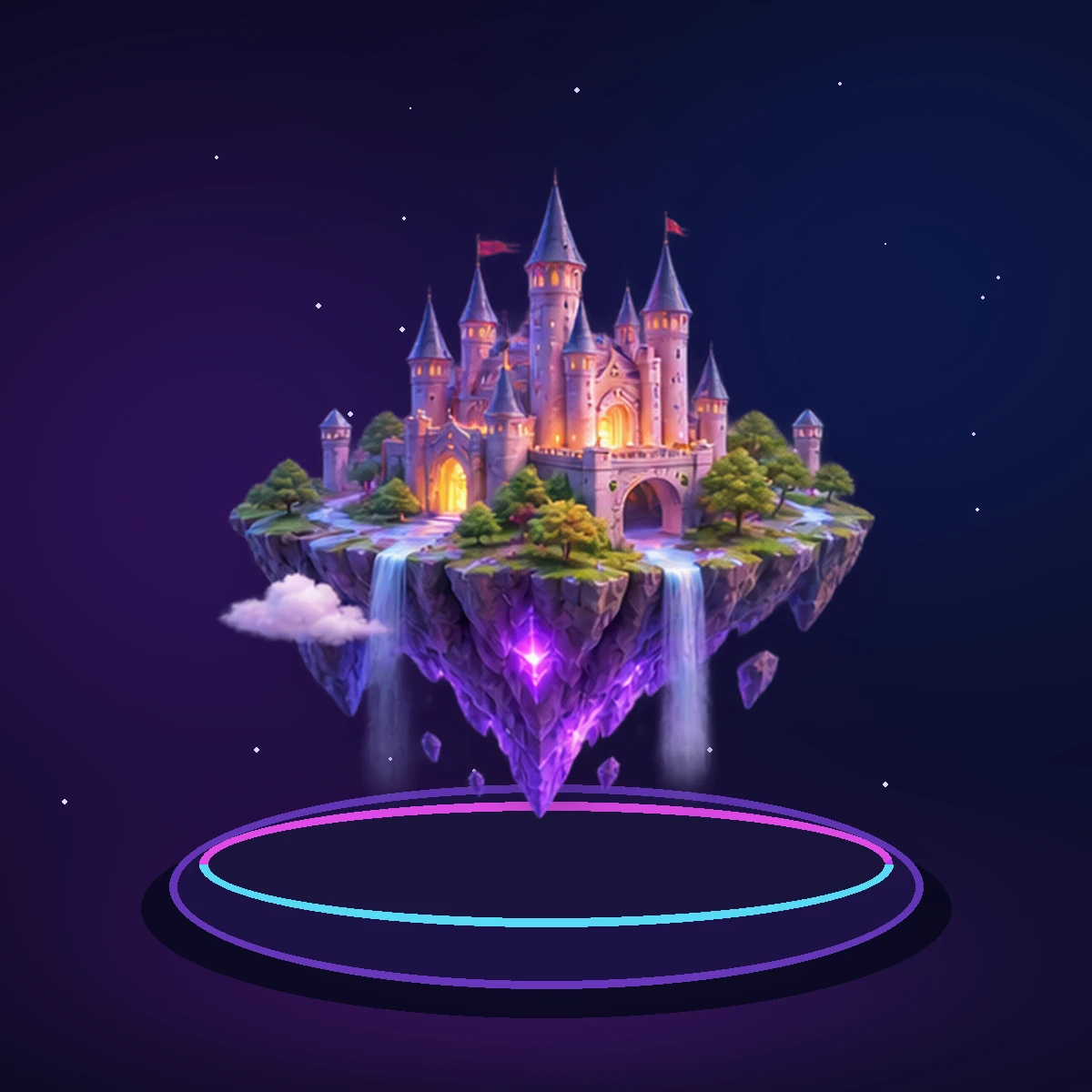




Ready-made styles.
Thirty styles in five categories, applied to your own images and clips.
Founding access is opening soon — join the priority list.
Turn product images and clips into a finished video, with a multi-track timeline, ready-made styles, text, effects and music. It runs in your browser.
Why it matters
Thirty styles in five categories, applied to your own images and clips.

Video, text, overlay, effect and audio tracks, with split, trim, move and reorder.

Add audio files, set volume and fades, and mute or lower the sound of your clips.

Editing and export happen in your browser; your media is not uploaded.
How it works
Upload images and video clips, or let Auto Build arrange them.
Choose a style, and 9:16, 16:9, 1:1 or 4:5.
Type on the preview, add effects and transitions, and add your own music.
Export an MP4 from 720p up to 4K.
Features
Edit

Split, trim, move, duplicate and delete on five tracks.
Fonts, colours, outline, shadow, animation, and typing right on the preview.
Colour looks, transitions, speed changes and keyframes.
Make many

Arrange a product's images into a video from a few choices.

One video per product, or one per image.

Vertical, landscape, square and portrait, up to 4K.
Explore