One click, seven shots.
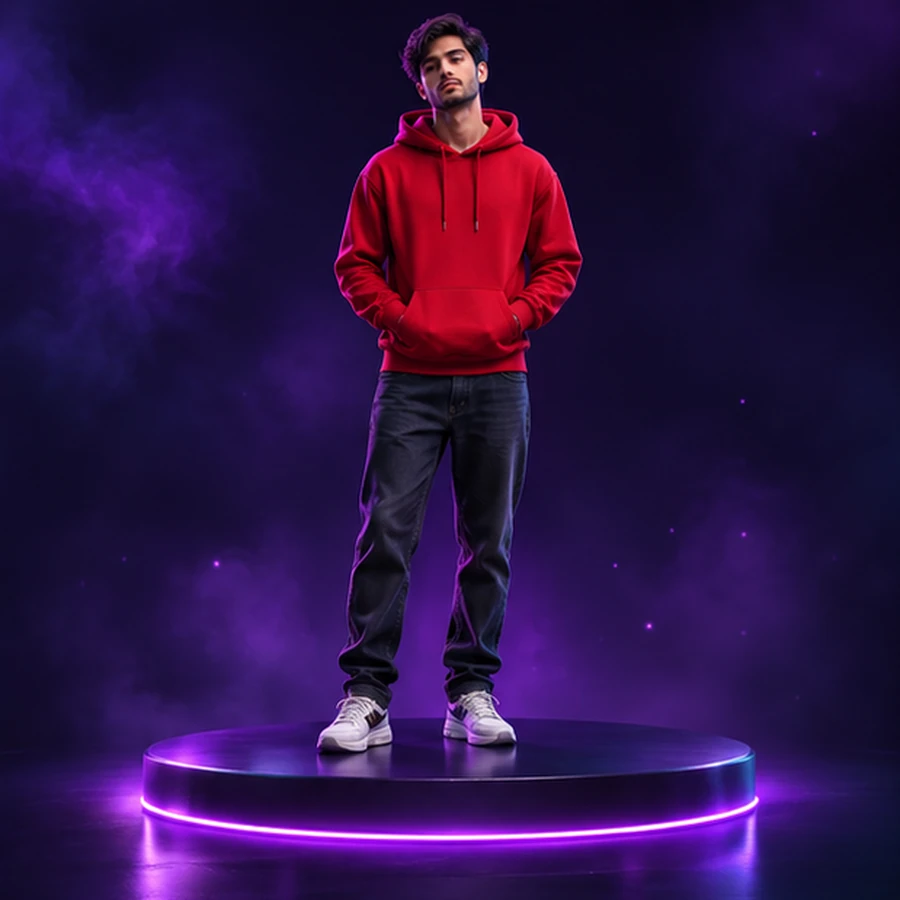
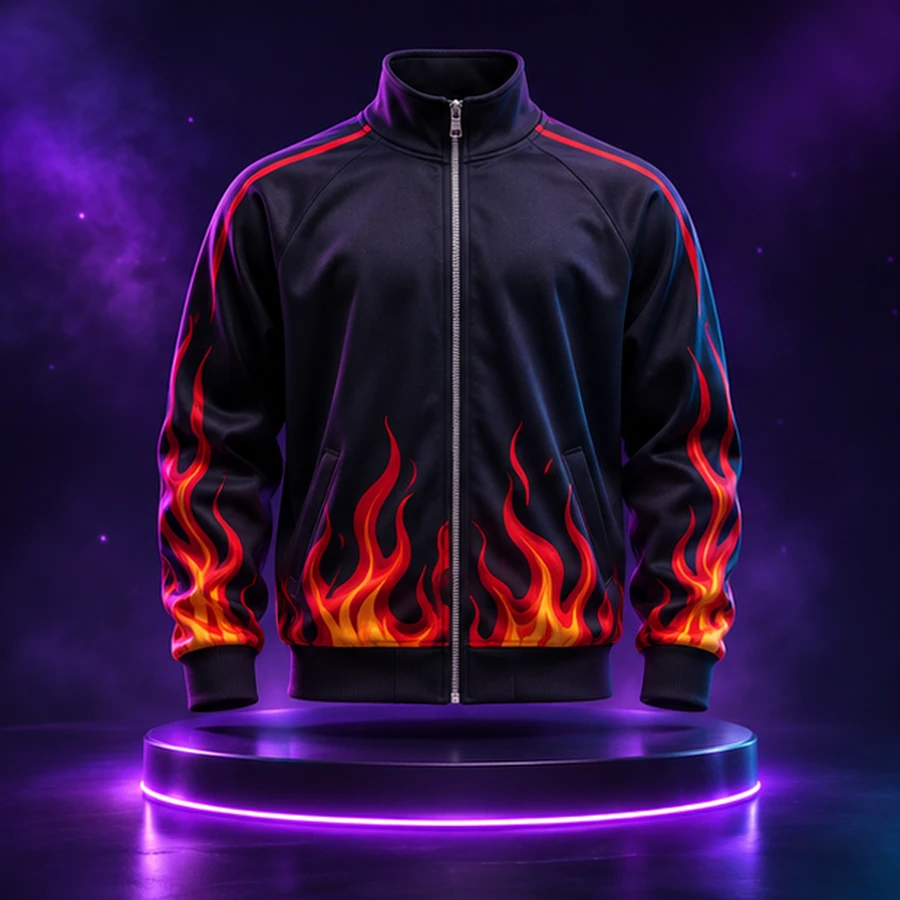
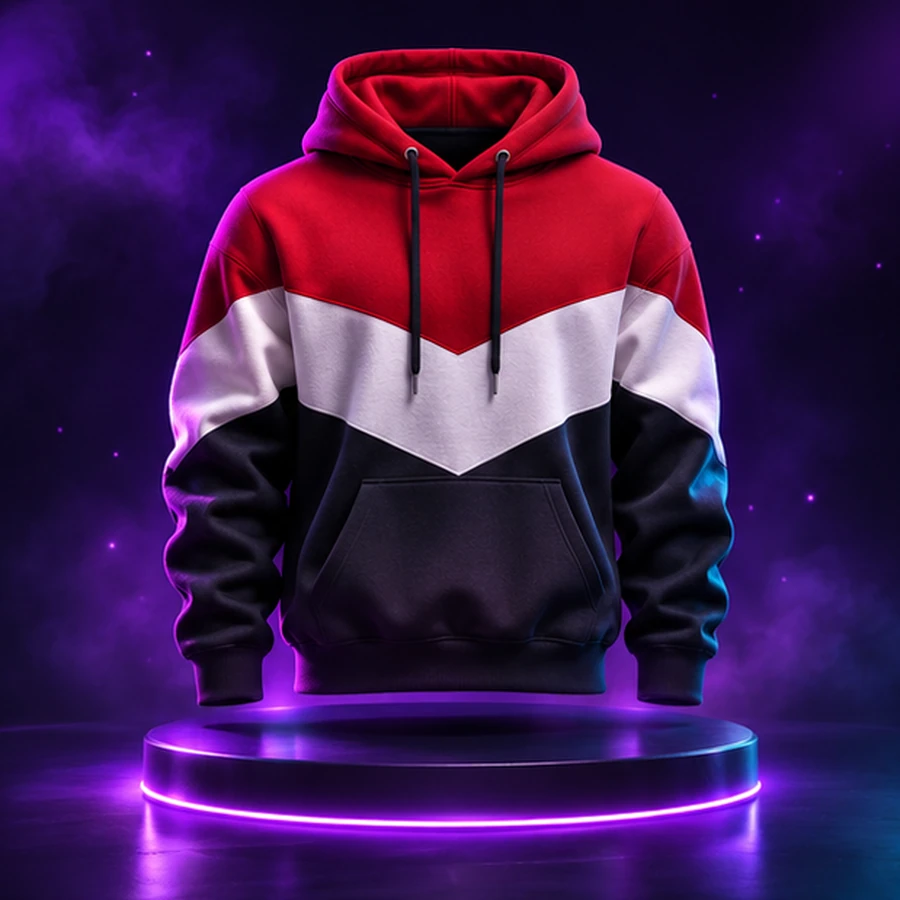
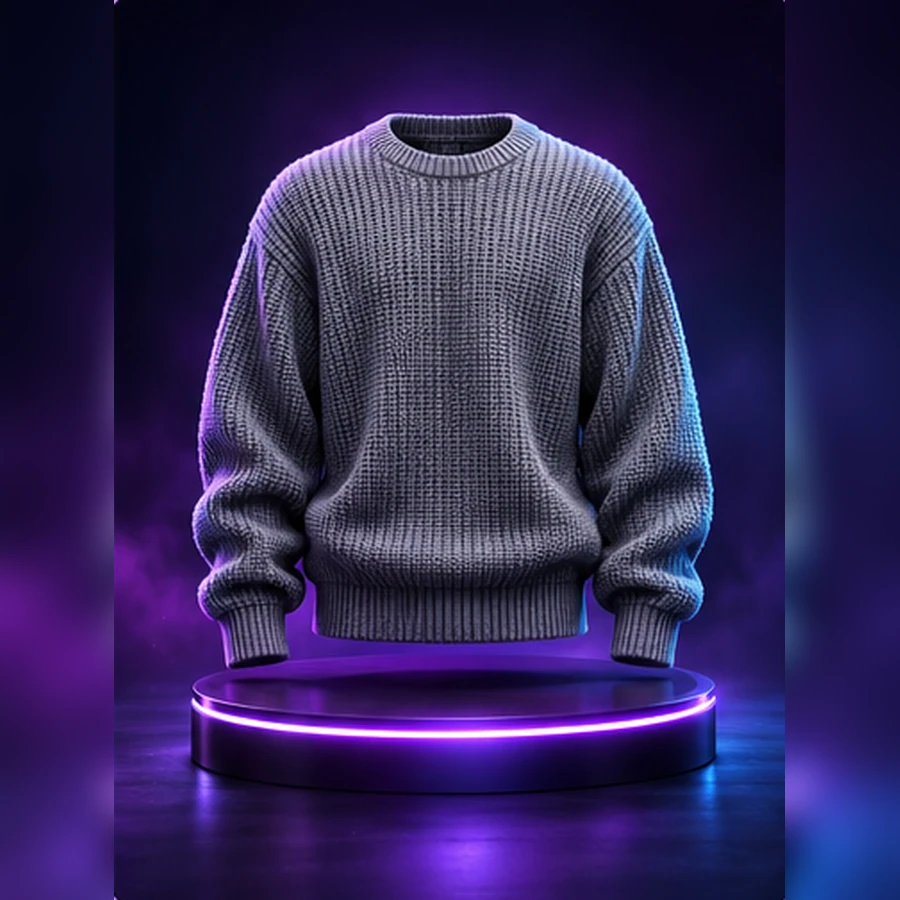
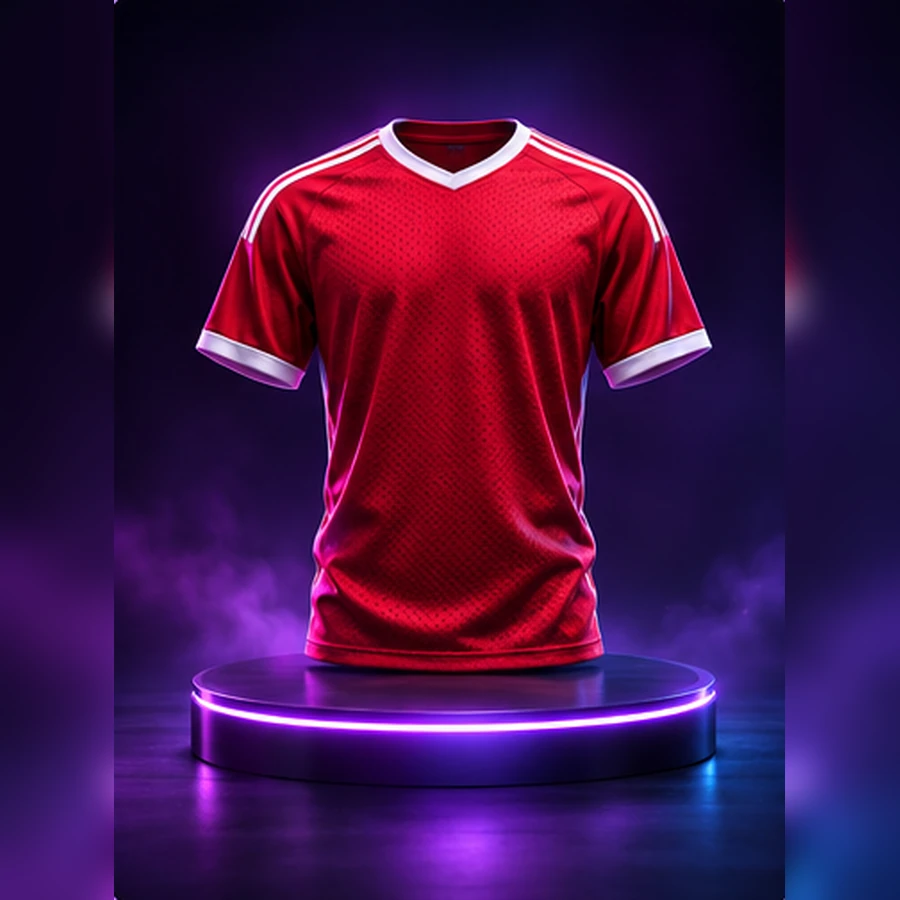
Product front and back, on a model front and back, both sides and a close-up, from a single Generate.
Founding access is opening soon — join the priority list.
Describe a product, or start from your own photographs. One Generate click renders seven shots of the same product, saved to your gallery.
Why it matters
Product front and back, on a model front and back, both sides and a close-up, from a single Generate.
Describe the product, or upload its photographs and the views are made from them.
Every later shot is made from the set's own front, so the views show one product.
Quality Mode for the most detailed images; Fast Mode makes the same set of views quicker. Describe the product, add photographs if you have them, pick the views.
How it works
Pick or create a product, then upload its photographs or describe it.
Colour, fabric, worn or flat, background and size are all read from your text.
One click renders the set, shot by shot.
Every image stays in the gallery with the prompt and settings that made it.
Features
Create
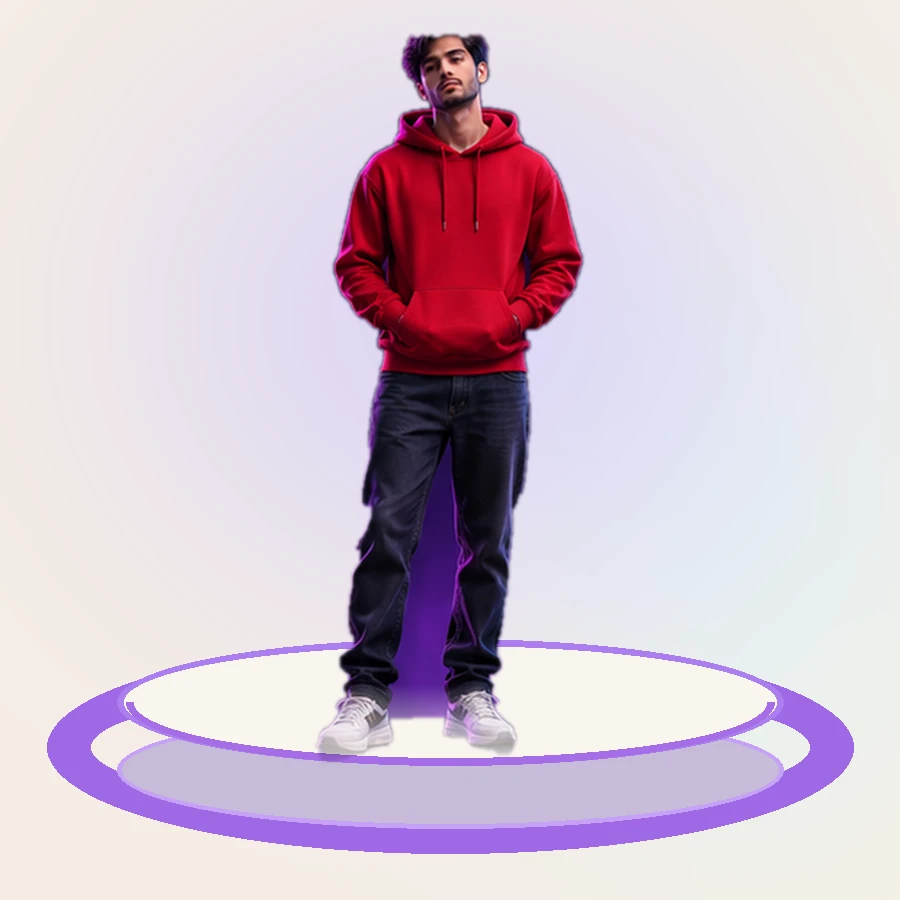
Seven shots of one product from one Generate.
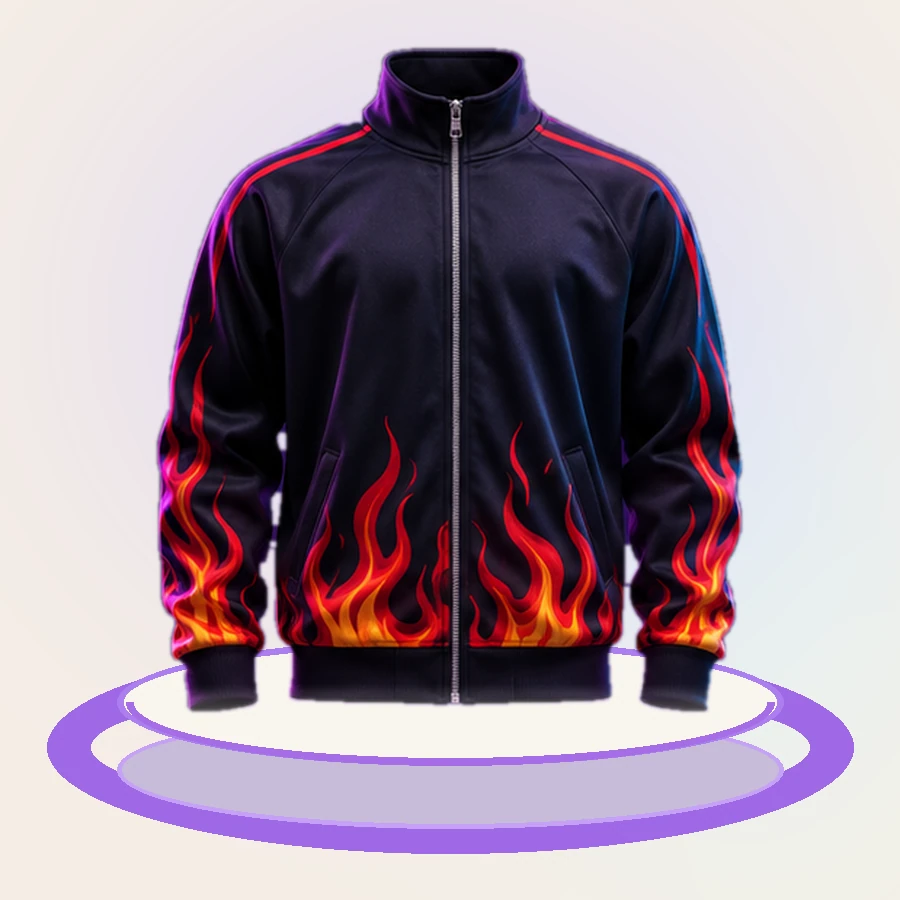
The product on a model, from the front and from behind.
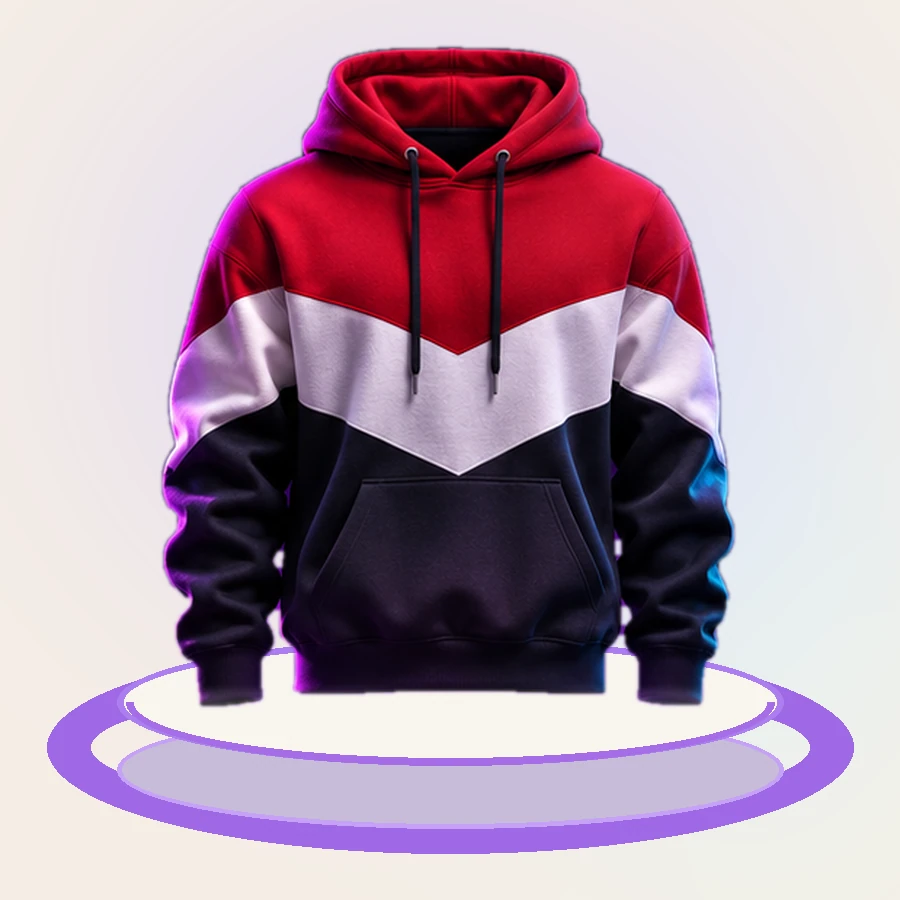
Fabric, stitching and trim at close range.
Organise
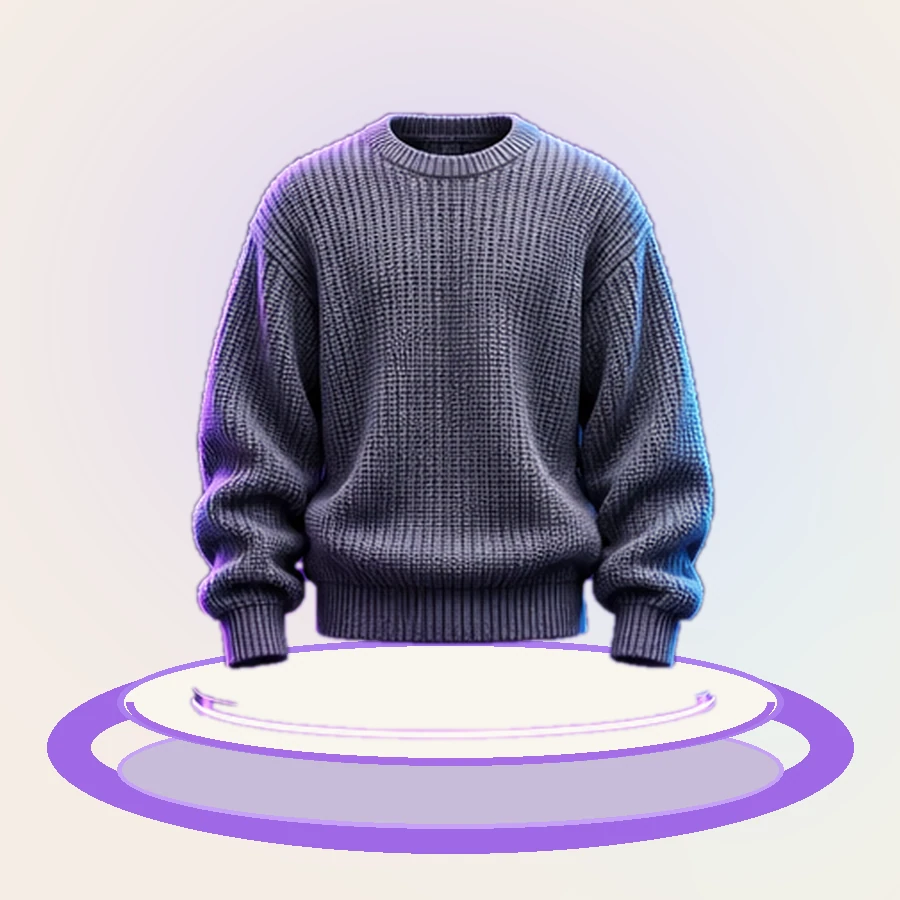
Every generated image, with the prompt and all the settings that produced it.
Explore